

E-commerce+40%conversion lift
MouthShieldSix targeted edits on existing product pages took MouthShield from 4.69% to 6.6% conversion in 17 days. No rebuild.
Read case studyWithout rebuilding it.
You already have a website. The problem was never building a new one. It was changing the one you have without a dev queue, an agency, or a migration. Here is how AI editing actually works.
Grona Team
Published 8 Jul 2026
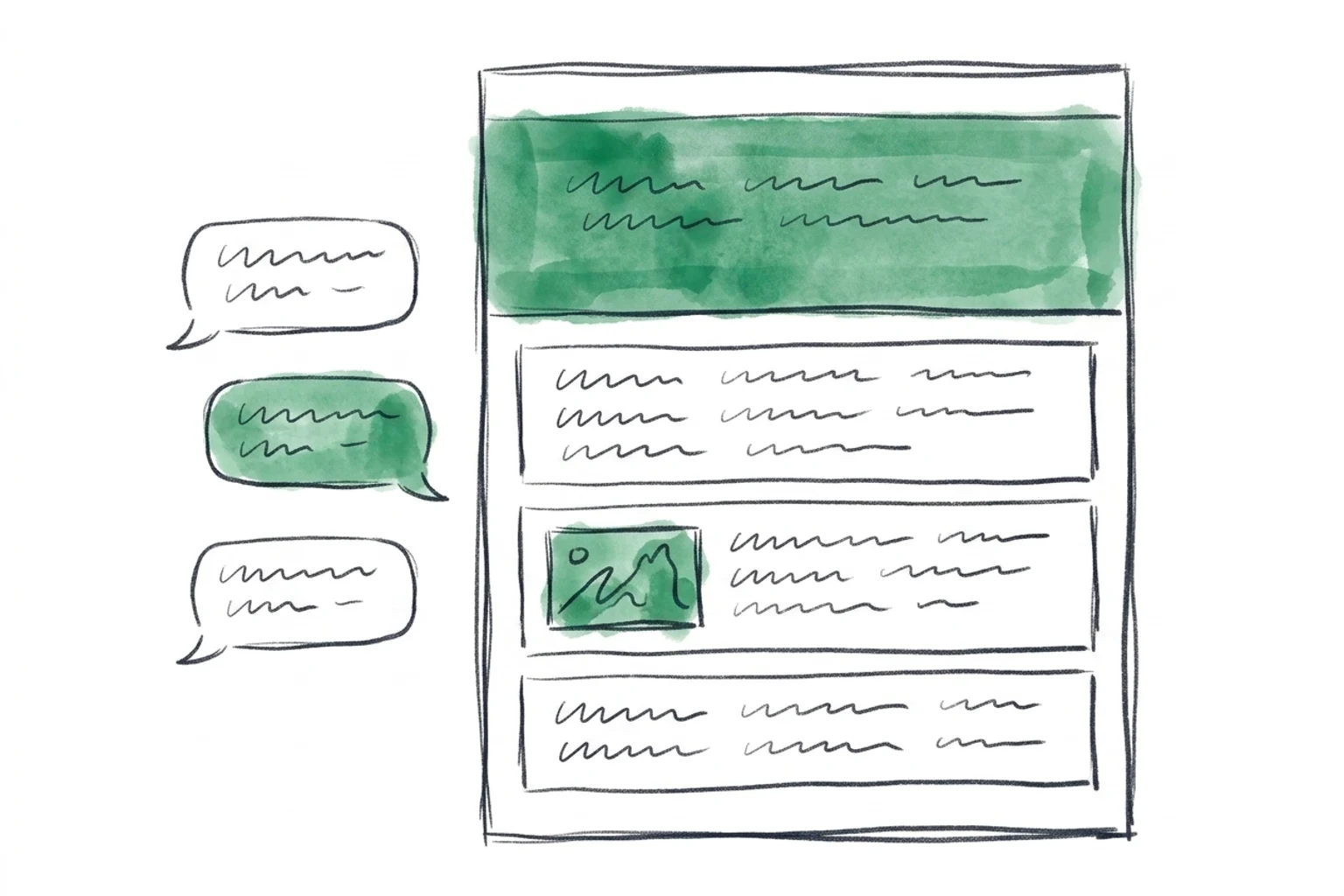
Your hero headline is weak. Your product images are two seasons old. You want a social-proof band above the fold. You know exactly what needs to change.
So why does making those changes feel like a project? Because for most teams it is one. A dev ticket that waits for a sprint. An agency retainer with a two-week turnaround. Or worse, someone suggests you rebuild the whole site on a new platform to make small edits easier.
None of that is necessary. You can edit your existing website with AI by describing the change in plain language, watching it happen on the live page, and shipping it when it looks right. No new build. No migration. The site you already rank for stays exactly where it is.
The website is not the problem. Changing it is. This guide is about changing it.
There is a reflex in web work: when a site needs to change, start over. New agency, new theme, new site builder, new everything. It is the default answer because the tools were built for it.
AI site builders like Lovable, v0, and Bolt are excellent at generating a brand-new site from a prompt. But that is the catch. They generate a new site. If you already have one that gets traffic, ranks in search, and holds years of content, a from-scratch tool asks you to throw that away and rebuild, then migrate everything back.
The start-over reflex has three faces, and all three are the villain here:
Each one turns a five-minute change into a project. The alternative is to leave the site where it is and edit it directly.
Rebuilding is the most expensive way to change a sentence. When the goal is a better headline, a fresh image, or a new section, editing the live site wins on every axis that matters.
This is the difference between a site builder and Grona. A builder generates a new site. Grona redesigns the one you already have. Both are AI. Only one of them respects the traffic you have spent years earning.
If the site already works, do not replace it. Edit it. Rebuilding to change a headline is like moving house to repaint a wall.
Editing with AI is not a code editor with autocomplete. It is a conversation about your live page, with the page updating as you talk. There are three ways to point at what you want to change.
Describe it in chat. Type the change in plain language. "Make the hero headline about saving time, not features." "Add a row of customer logos under the fold." The AI reads your site, understands the structure, and edits the live preview.
Point and click. Click any element in the preview, the way you would in a design tool, and ask for a change to that exact thing. No hunting through the DOM. No CSS selectors. You point, you describe, it updates.
Bring images along. Editing text is table stakes. Grona also generates new images and edits the ones already on your page. Ask for a new product shot in your brand palette, or ask it to clean up the background of an existing photo. You can also drop a CSV or a PDF into the chat, a price list or a brand guide, and have the AI use it as context for the edit.
Under the hood, Grona reads your sitemap to understand the whole site, connects to your GA4 data from the chat so it knows which pages are losing conversions, and generates edits that match your existing design instead of dropping in a generic template. See the full flow on how it works.
If you can describe the change in a sentence, you can make the change in a minute. That is the whole shift.
Here are four edits teams make constantly, and exactly how each one goes when you are talking to your site instead of filing a ticket for it.
Job 1
Rewrite a hero
Describe the new angle. The headline and subhead update on the live page.
Job 2
Add a section
Ask for a social-proof band. The AI generates it in your styling.
Job 3
Update images
Generate new product shots or edit the images already on the page.
Job 4
Ship a variant
Build a seasonal version and roll it out to everyone or a slice.
Open the page in the editor and describe the new angle: "Rewrite the hero to lead with the outcome, save 10 hours a week, and keep the subhead short." The headline and subhead update on the live preview. Not happy? Keep talking. "Make it punchier." "Try a version that names the audience." Each round takes seconds. When it reads right, you move on.
Ask for a whole new section: "Add a social-proof band below the hero with three customer quotes and a row of logos." The AI generates the section in your site's existing styling, spacing, fonts, and colors, so it looks like it was always there. You are not pasting a widget. You are getting a native section built to match. Adjust the copy, reorder the quotes, and it is done.
Two paths here. Generate fresh images from a description ("a clean studio shot of the product on a warm neutral background"), or edit the images already on the page ("remove the busy background from this photo and match the others"). Both happen in the same chat, so a text edit and an image edit are the same kind of request. Your product page gets current without a photoshoot.
Build a version for a moment: "Create a Black Friday variant of this page with a countdown banner and the sale framing." You now have a variant sitting beside your live page. Ship it to everyone for the sale window, target it only to visitors arriving from your UTM-tagged holiday campaign, or run it as an A/B test against the original to see if the urgency actually lifts orders. When the season ends, one message rolls it back.
None of these needed a developer, a designer handoff, or a new site. They needed a sentence and a preview.
Editing a live site sounds risky until you see how the guardrails work. Nothing you do in the editor touches real visitors until you decide it should.
Preview before anything ships
Every edit lands in a preview first. You see exactly what visitors would see. Nothing goes live by accident.
Variants sit beside your theme
Your edits live as variants next to the original page. The real page keeps serving until you promote the new one.
One-message rollback
Changed your mind after launch? Ask to revert and the original comes back. No restore-from-backup drama.
A/B test or 100% rollout
Ship to a slice of traffic and measure, or roll out to everyone at once. Both are first-class deploy modes, not add-ons.
The A/B versus full-rollout choice is the one people overthink. Use an A/B test when you want proof, a headline or CTA change where you care about the exact lift. Use a 100% rollout when the change is obviously correct, a typo, a broken image, an outdated price. Both are one action away. You are never forced into a test you do not need, or a blind launch you are not sure about.
MouthShield made six targeted edits to existing product pages and moved conversion up to 40% in 17 days. Not a rebuild. Edits to the site they already had, previewed, then shipped.
Preview first. Ship on your terms. Roll back in one message. Editing live is safe when nothing is permanent until you say so.
AI editing is only useful if it works on the site you actually have. Grona covers the platforms most existing sites run on, and the setup depends on where you are.
Shopify is a native app. Install it from the app store and the connection is built in. No snippet to paste. See the Shopify integration.
Everywhere else, it is one snippet. Add a single line of script to your site once and Grona can edit, preview, and ship on any page. That covers WordPress, Webflow, Wix, Squarespace, WooCommerce, and custom-coded sites. If you can add a script tag, you can edit with AI.
The snippet is the whole install. One line, and the site you already have is editable by chat.
The cost case for editing over rebuilding is not close. Here are the honest ranges for getting a set of site changes made.
These are broad market ranges, not quotes, and your numbers will vary with scope. The point stands regardless: paying by the hour to change a headline, or rebuilding a site to make it editable, costs far more than editing the site you already have. See what is included for the full picture.
Yes. AI can edit your existing website in place without rebuilding it. Grona connects to the site you already have, through a native Shopify app or a single script snippet elsewhere, and edits the live pages directly. Your URLs, content, and search rankings stay intact because nothing is migrated or recreated.
Those tools generate a brand-new site from a prompt. Grona edits the site you already have. If you have no site yet, a builder is a fine start. If you already have traffic and rankings you do not want to lose, editing beats generating a replacement. See the full comparison.
No. You describe changes in plain language or click an element and ask for an edit. The AI writes and applies the change. There is no code editor to learn and no CSS to write.
Yes. Grona generates new images from a description and edits the images already on your page, in the same chat where you edit text. You can also upload a CSV or PDF for the AI to use as context.
Yes. Every edit is previewed before it ships, changes live as variants beside your real page, and can be rolled back with one message. You choose whether to A/B test a change or roll it out to everyone. Nothing reaches visitors until you approve it.
Building and previewing edits is free. You pay only to publish, starting at $299/mo on the Solo plan. That compares with agency retainers commonly in the thousands per month or rebuilds that can run five figures.
You do not need a new website. You need to change the one you have without waiting on anyone. Paste your URL, describe the first edit, and watch it happen on the live page.
Build and preview for free. Pay only when you are ready to ship. The site you already rank for stays exactly where it is.
Proof it works
Real businesses. Real lifts. All from editing the sites they already had.
Six targeted edits on existing product pages took MouthShield from 4.69% to 6.6% conversion in 17 days. No rebuild.
Read case study
Headline rewrite from ingredients to outcomes on the live page. Up to +33% add-to-cart in 12 days.
Read case study
CTA rewrite and a form trimmed from 9 fields to 5, all on the existing site. Up to +28% demo requests in 14 days.
Read case study
Moved 2,300+ existing reviews above the fold. No new page. Up to +29% conversions in 10 days.
Read case study
Checkout trimmed from 11 fields to 7, express pay added to the live theme. Up to +22% completed orders in 18 days.
Read case studyWeekly insights on editing, testing, and shipping changes to the site you already have.