
The loop, walked
Watch the loop that redesigns your site
Grona reads your real traffic, generates whole new sections on the pages you already have, and ships them as a test or a full rollout. Here is that loop, step by step.
Paste your live URL. No signup to try it.
One chat, three rungs
Three rungs, one loop, one chat
You never leave the chat. Research feeds Generate, Generate feeds the test, and the results feed the next redesign.
- 1
Research
Grona reads your first-party traffic from GA4 and checks it against live competitor intel.
- 2
Generate
It generates whole new sections, images included, on the pages you already have.
- 3
Test and ship
Ship as an A/B test or a full rollout, then read what the redesign wins on engagement.
Rung 1 · Research
It starts by reading your visitor
Grona reads your visitor on your own data, not generic benchmarks. Connect GA4 from the chat, and it checks your first-party traffic against live competitor intel: their structure, messaging, and ads.
- GA4 connected from the chat: traffic, drop-offs, conversions
- Live competitor intel: structure, messaging, and ads
- Traffic context: where visitors arrive and what they click

How Grona reaches your live site
One snippet on any CMS. A native app on Shopify. Research runs before either; the connection is what lets Grona change the live site.
One snippet, any CMS
Add one line of script to your site, or paste it into your tag manager. Nothing to replatform.
<script src="cdn.grona.ai/…/main.js" async></script>A native app on Shopify
Native appOn Shopify, Grona installs as a theme app extension. No snippet to paste, no theme code to touch.
Rung 2 · Generate
Then it generates the redesign
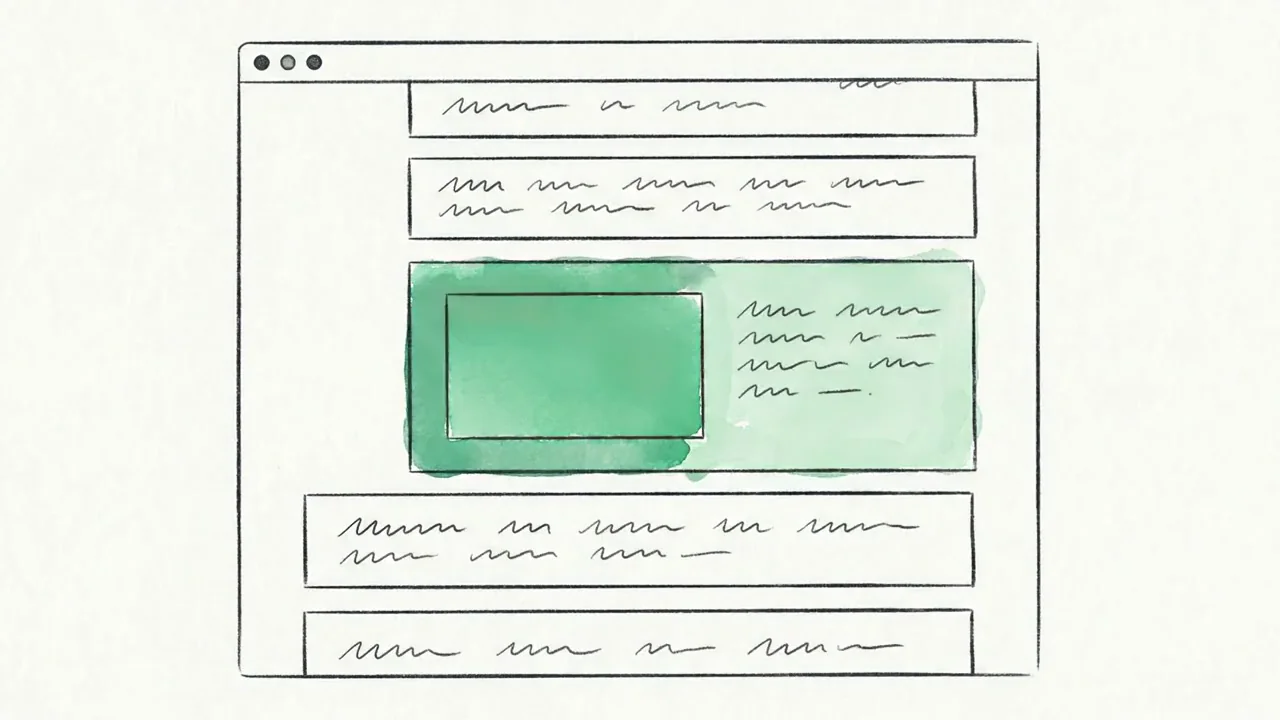
Grona reads the design language of the site you already have: tone, type, color, spacing. Then it generates whole new sections from scratch that arrive on brand: pop-ups, banners, forms, images included.
You stay in control
You preview it before your visitors do
Every redesign opens in a live preview first. Refine it from the chat, then ship only when it is right.
Rung 3 · Test and ship
Ship it as a test, or ship it to everyone
A/B when you want proof. 100% rollout when you just want it live. UTM targeting when only paid traffic should see it.
A/B test
Split traffic between your page and the redesign, then watch which variant wins on engagement.
100% rollout
Skip the test. Ship the redesign to every visitor the moment you approve it.
UTM targeting
Show variants only to chosen traffic sources. Paid clicks see the redesign, organic keeps the control.
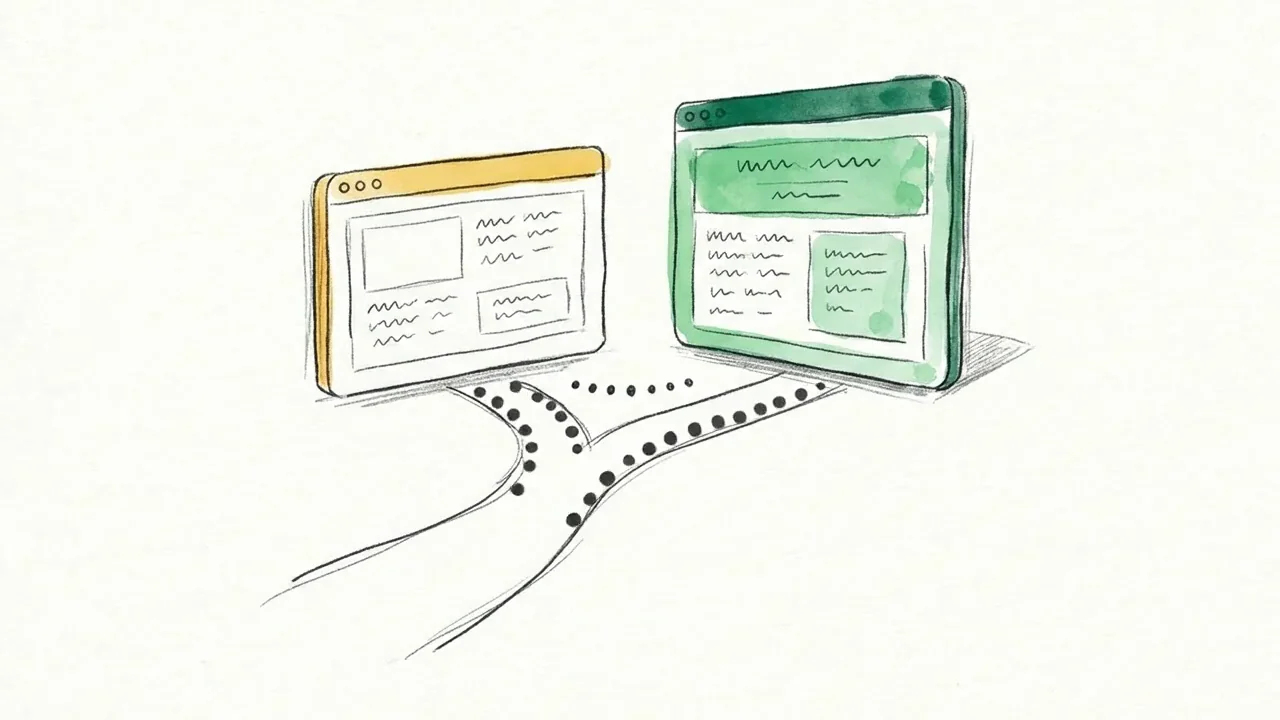
Shipping starts the next turn of the loop
Grona watches how every element performs through GA4 and per-element analytics.
It recommends switching off or redesigning what is not earning attention, so your website keeps going from strength to strength.
Now live as Autopilot: the loop keeps turning. Grona flags dips and recommends the next changes right on the page, ready for your go-ahead.