
Framer rebuilds. Grona redesigns yours.
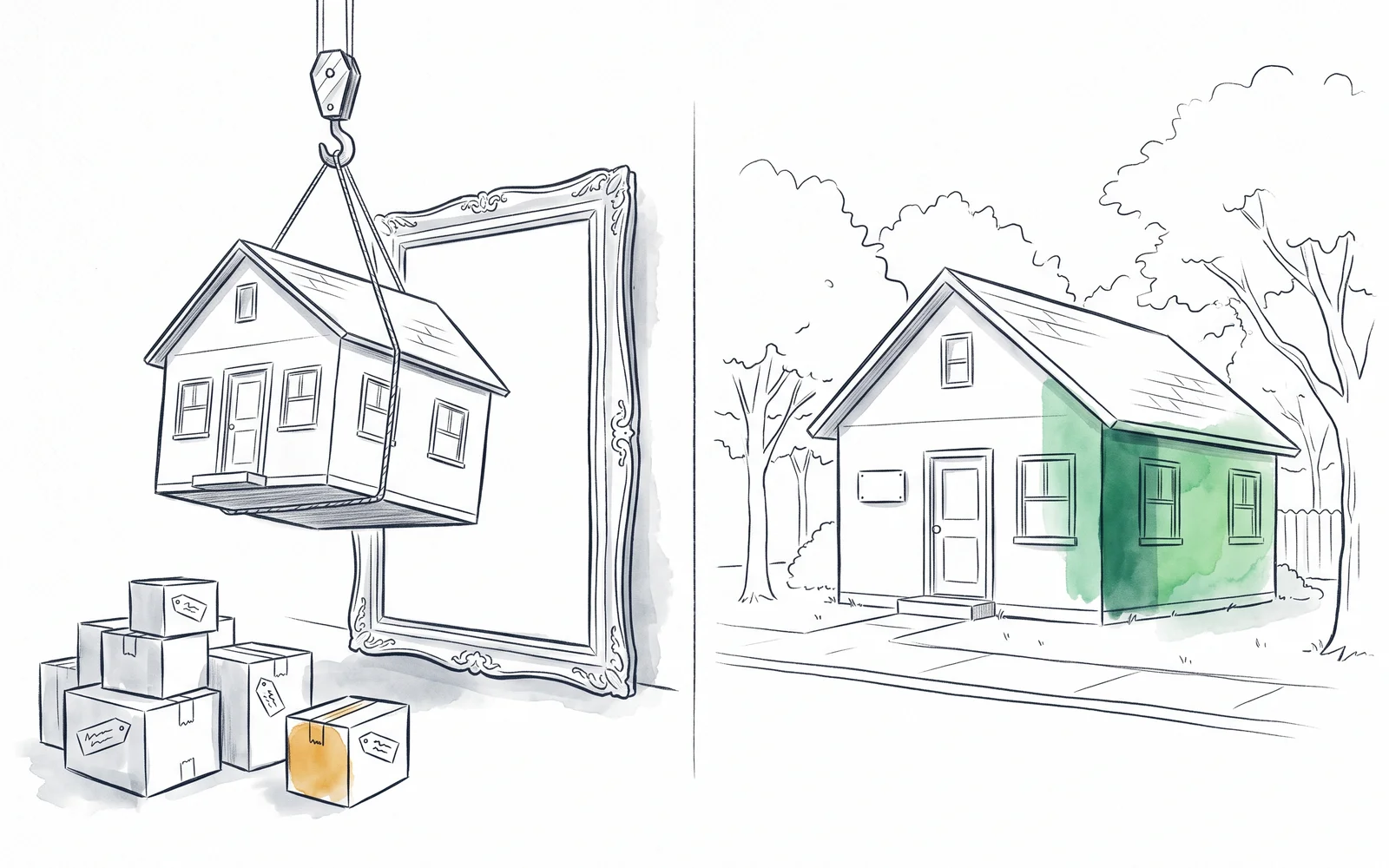
Framer is a beautiful place to move into. Grona redesigns the site you already have: your CMS, your URLs, your SEO history, all untouched.
The comparison
Framer vs Grona
Grona is the Framer alternative for redesigning without migrating. Framer gives you a superb design canvas after you rebuild your site inside it; Grona redesigns your existing pages in place, so your CMS, URLs, and SEO history stay exactly where they are.
Already sure? See it on your own site.
Starting point
What you get
Keeps SEO, URLs, analytics history
Keeps your CMS
Design control
Research on your own data
Generates sections with AI images
A/B test before full rollout
Hosting
Pricing
The advantage
What Grona does that Framer doesn't
A redesign shouldn't cost you your address.
Keeps your stack
CMS, URLs, hosting, and analytics all stay where they are. One snippet on any CMS, or the native app on Shopify, and Grona works on the site you own.
Research on your own data
Connect GA4 from the chat and Grona reads your real traffic, then layers in live competitor intel, so you know what to change and why.
On-brand sections, no canvas move
Grona reads your existing design language and inserts new on-brand sections into your pages, AI images included.
Tests on the site you already have
Ship every change as an A/B test or a 100% rollout on your live site, target by traffic source, and see which variant wins.
The honest part
What Framer does that Grona doesn't
Framer is a genuinely beautiful place to build, and this section means it. If your project looks like one of these, it's the better fit.
- If you want deep design control, the canvas is superb, and Framer sites are genuinely beautiful.
- If you're starting fresh or doing a full rebrand where moving is the point, not the cost, Framer is the better fit.
- If you want managed hosting and design under one roof, one bill, Framer bundles both.
The fit
Who should choose Grona
Built on 1,200+ experiments across 12+ industries. Product-page redesigns have seen up to 40% lift.
Read the MouthShield case studyGrona is ideal if you
- Run an established site with SEO and content history worth protecting
- Want a visible design upgrade without a migration project
- Are on WordPress, Webflow, Shopify, or any snippet-friendly CMS
- Want changes tested before everyone sees them
- Keep stalling on the move because the cost is real
Grona may not be right if you
- Are starting fresh with no site to protect
- Want hands-on canvas control over every pixel
- Are doing a full rebrand where moving is the point
FAQ
Framer vs Grona, answered
What is the best Framer alternative that doesn't require migrating?
Grona is the Framer alternative for sites that can't afford to move: it redesigns your existing pages in place, so your CMS, URLs, and SEO history stay put. Framer is still the better fit when you are starting fresh or a full rebrand is the point.
Do I keep my CMS and SEO history with Grona?
Yes. Grona works on the site you already have: one snippet on any CMS, or the native app on Shopify, and nothing about your URLs, rankings, or analytics history moves.
How does Grona's pricing compare to Framer's site plans?
Grona is free to build: you pay only when a redesign goes live on your site. Framer charges a per-site subscription that scales with traffic and CMS size. With Grona there is no migration project to price in, because there is no migration.
See it on your own site
Paste your URL and watch Grona redesign it. Free to build, pay only to go live.
You approve every change. Grona watches what ships and recommends the next one on the page.