

E-commerce+40%conversion lift
MouthShieldHeatmap analysis and six targeted changes took MouthShield from 4.69% to 6.6% conversion in 17 days.
Read case studyGenerative UI is interface an AI model produces on demand, instead of a designer placing every element by hand.
Here is what it means, how it works, and the half of it almost nobody is building yet: applying it to the websites that already exist.
Grona Team
Published 8 Jul 2026
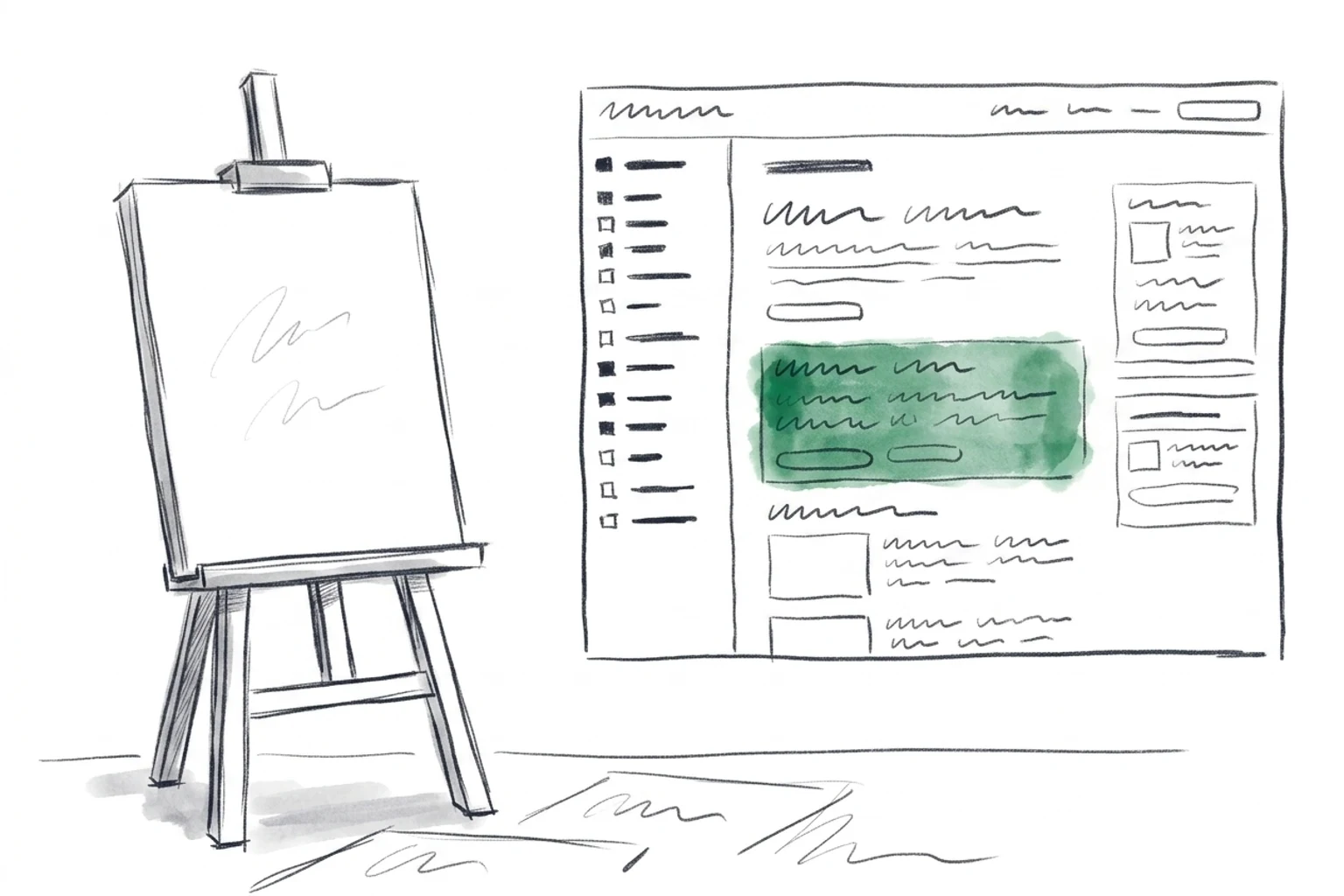
Generative UI is interface that an AI model produces on demand, assembling layout, copy, and components in response to a goal or context rather than a designer positioning every element by hand. Instead of a fixed screen built once at design time, the interface is generated, and can be regenerated, at the moment it is needed.
The shorter version: the software decides what the screen should look like, given who is looking and what they are trying to do. A traditional page is the same for everyone who loads it. A generative interface is assembled against intent, so the same request can yield a table for one user, a chart for another, and a form for a third.
The term covers a spread of practices, from a model choosing which pre-built component to render inside a chat reply, all the way to a model writing the front-end code for a screen it has never produced before. What unites them is that a human is no longer placing every pixel. The model is.
Two mechanisms hide under the same phrase, and telling them apart is the single most useful thing you can do with the concept.
Here the model generates the interface as an artifact you review before anyone sees it. You describe a screen, the model writes the components and code, and you get an editable result that you check, adjust, and deploy. The generation happens once, up front. After that the page behaves like any other hand-built page: fixed markup served to every visitor. Tools like v0 and bolt.new work this way. They compress hours of front-end scaffolding into a prompt, but the output is a new file you own, not a screen that keeps rewriting itself.
Here the model produces interface live, in the moment, as part of responding to a user. The clearest example is a conversational assistant that, mid-answer, renders an actual component instead of a paragraph: a weather card when you ask about the forecast, a bookable calendar when you ask about availability, a comparison table when you ask about options. The model reads the context and picks or builds the component that fits, then streams it into the response. Vercel's AI SDK popularized this pattern for developers, letting a model return real UI elements rather than plain text. This is generative UI in its most literal sense: the interface does not exist until the request is made.
The distinction matters because it decides what the technology can touch. Design-time generation changes how interfaces get built. Runtime generation changes how interfaces behave once they are live. Most of the attention, and most of the funding, has gone to the first.
The generative-UI tools people name today mostly share one starting assumption: you are making something new.
Design-time codegen
v0, bolt.new, and similar
Describe a screen, get reviewable components and code. The output is a new artifact you deploy. Excellent for standing up a page or a prototype from nothing.
Runtime component streaming
Vercel AI SDK and RSC patterns
A model renders real interface components inside a live response, chosen from context. The interface is produced in the moment, inside a new conversational surface.
These are genuinely good tools, and the category owes them the vocabulary it now uses. If your job is to ship a fresh app, a landing page, or an AI product with a chat surface, this is where you look. Credit where it is due: they made generating interface feel ordinary.
But notice the shared premise. v0 hands you a new screen. bolt.new hands you a new project. The AI SDK renders inside a new conversation your app owns. Every one of them generates a surface that did not exist before. None of them reach into a page that is already live, already indexed, already carrying traffic, and rewrite the part of it that is not working.
That is not a criticism. It is a map. It shows where the road ends, and where the unbuilt half begins.
There are, by most estimates, on the order of 200 million active websites in the world. Almost all of them already exist. They have real URLs, real search rankings, real analytics history, and real customers who trust them. The overwhelming majority of front-end effort on any given day is not creating a new page. It is trying to make an existing one work better.
So here is the question the current landscape leaves open: if a model can generate a good interface for a screen that does not exist yet, why can it not generate a better version of a screen that already does?
This is the other half of generative UI, and it inverts the starting point. Rather than producing a new artifact from a blank prompt, the model reads a live page, understands what that page is trying to do, identifies the section that is losing visitors, and generates a replacement for just that section, in place, on the site you already run. The page is not rebuilt. It regenerates its own weak parts.
Generate a new surface
The explored half
Start with nothing. End with a new thing.
Regenerate an existing surface
The unexplored half
Start with your site. End with a stronger version.
The reason this half is unexplored is not that it is less valuable. It is that it is harder. Generating a screen from nothing means you answer to no prior context. Regenerating a section inside a live site means you inherit everything: the existing design system, the surrounding markup, the brand voice, the analytics that tell you what is actually broken, and the risk that a change makes things worse instead of better. It is a constrained problem, and constrained problems get built last.
Generating a new page can be a single step: prompt in, screen out. Regenerating a live one cannot, because a live page has a job and you can measure whether the change helped. So the loop has four parts, not one.
Before generating anything, the model reads the page and the evidence around it: where visitors drop off, which section they never scroll past, how competitors frame the same offer, what the analytics say is losing conversions. The output of this step is not a design. It is a diagnosis, a specific claim about which part of the page is underperforming and why.
Now the model produces a replacement for the diagnosed section: a rewritten headline, a restructured pricing block, a shorter form, a reordered set of trust signals. It generates against the constraints, matching the existing design system and voice, so the new section reads as part of the site rather than a graft from somewhere else. This is generative UI in the runtime sense, aimed at a screen that already exists.
A generated section is a hypothesis, not an answer. So traffic splits between the original and the variant, and real visitors decide. The one that converts better wins on evidence, not on taste. This step is what separates regeneration from a redesign: you never bet the whole page on an opinion.
The winning variant goes to full traffic. The losing one is discarded and the next hypothesis begins. Because each change is scoped to one section and validated before it ships, improvement compounds instead of gambling. Nothing about the CMS, the hosting, the domain, or the URLs changes. The page keeps its rankings and its history while its weak parts get stronger.
Where Grona fits
This is the lane Grona works in: generative UI applied to the website you already have. You paste a live URL, Grona researches what is losing conversions, generates a variant of the weak section, tests it against the original, and ships the winner. One snippet, no rebuild, no migration. The site regenerates its own underperforming parts while keeping everything that already works.
See how it worksThe direction of travel is toward less human involvement in the loop, not more. Today a person still approves each generated variant before it goes live. The next step, which the industry is heading toward rather than shipping today, is the self-healing site: a page that watches its own conversion data, notices a section slipping, generates a candidate fix, tests it quietly, and promotes the winner without waiting to be asked.
That future belongs in the future tense on purpose. Autopilot-style regeneration, where a site continuously improves itself, is a direction the field is moving in, not a claim about what any tool reliably does today. The honest version of the roadmap is that the four-part loop above is real now, and the ambition is to close it further over time so a human sets the goal and the site does the iterating.
What is clear is the shape of the destination. Interfaces stop being artifacts you finish and start being systems that adapt. The static page, built once and left alone, starts to look like the exception rather than the rule.
Generative UI is interface that an AI model produces on demand, assembling layout, copy, and components in response to a goal or context instead of a designer placing every element by hand. The interface is generated at the moment it is needed rather than fixed once at design time.
AI code generation produces reviewable code you deploy once, while generative UI can also mean interface produced live at runtime as a user interacts. Design-time tools generate an artifact up front; runtime generative UI renders components in the moment based on context. Both fall under the term, but they touch different parts of the stack.
No. Most current tools focus on generating new surfaces, but the same idea applies to existing websites, where a model regenerates the underperforming section of a live page in place. This second use case is less built out precisely because a live page is a more constrained problem than a blank canvas.
It applies as a research-generate-test-ship loop rather than a one-shot generation. The model diagnoses which section of a live page is losing visitors, generates a variant that matches the existing design and voice, splits traffic to test it against the original, and ships whichever converts better. The URL, rankings, and analytics history stay intact.
No, that is the point of applying it to existing sites. Regeneration is scoped to individual sections of a page you already run, so nothing about the CMS, hosting, domain, or URLs changes. You keep the SEO and trust you already built while the weak parts get stronger.
For building new surfaces, developers commonly use v0, bolt.new, and the Vercel AI SDK for runtime component streaming. For applying it to an existing live site, Grona researches, generates, tests, and ships variants of underperforming sections. The right tool depends on whether you are creating a surface or improving one that already exists.
Proof it works
Real businesses. Real metrics. Each one a live page whose weak sections got regenerated and tested.
Heatmap analysis and six targeted changes took MouthShield from 4.69% to 6.6% conversion in 17 days.
Read case study
Swapped ingredient-first copy for outcome-focused headlines. Results in 12 days.
Read case study
Changed 'Get Started' to 'Talk to an HR Expert' and cut form fields from 9 to 5. 14 days.
Read case studyOccasional, considered writing on generative interfaces, testing, and where the web is heading.